
What are you looking for?
Changing the new Practice Tracks page
Next, we fix up the content of the new page
1) Now, click on the Edit to edit the page contents
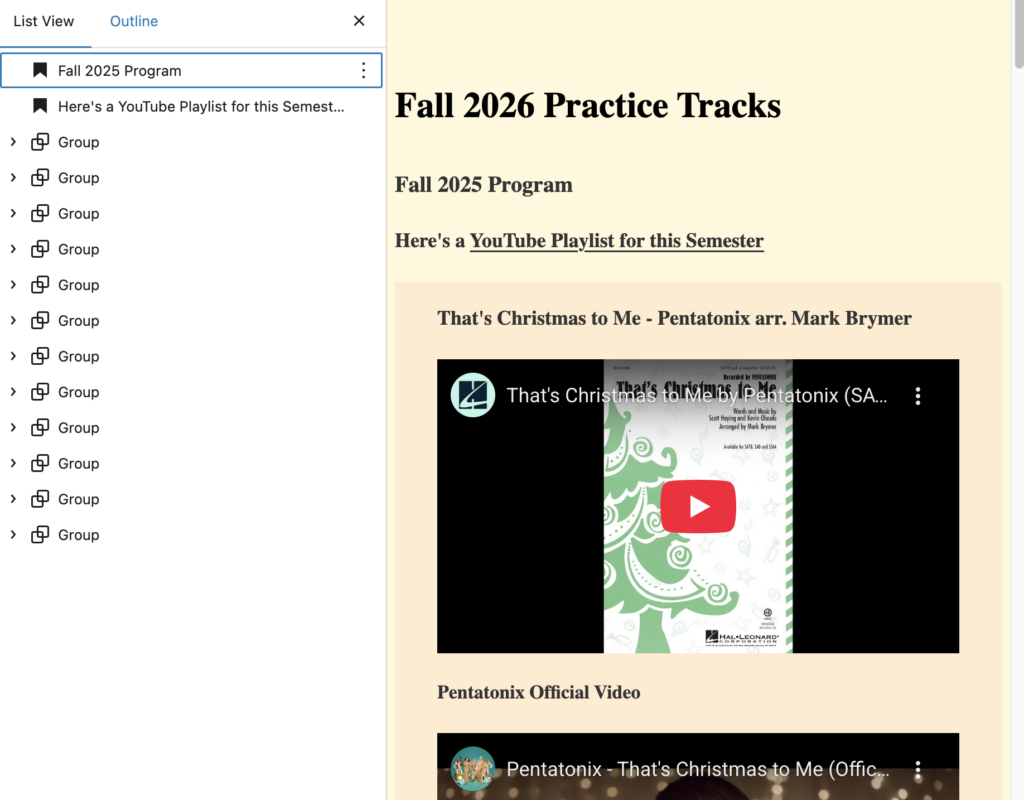
As before, you’ll note that there are a series of Group blocks. for formatting reasons. This time, there is no chronological component. One block represents one practice track, sometimes including subsidiary tracks (sectionals, or other related tracks).
We have to remove all the Group blocks, save one. That way, when Jenn gives us her tracks, we can add the details to the Group block, and duplicate blocks as necessary.
2) Here, I’ve fixed up the subtitle, and left one Group Block with skeletal content for later filling in.
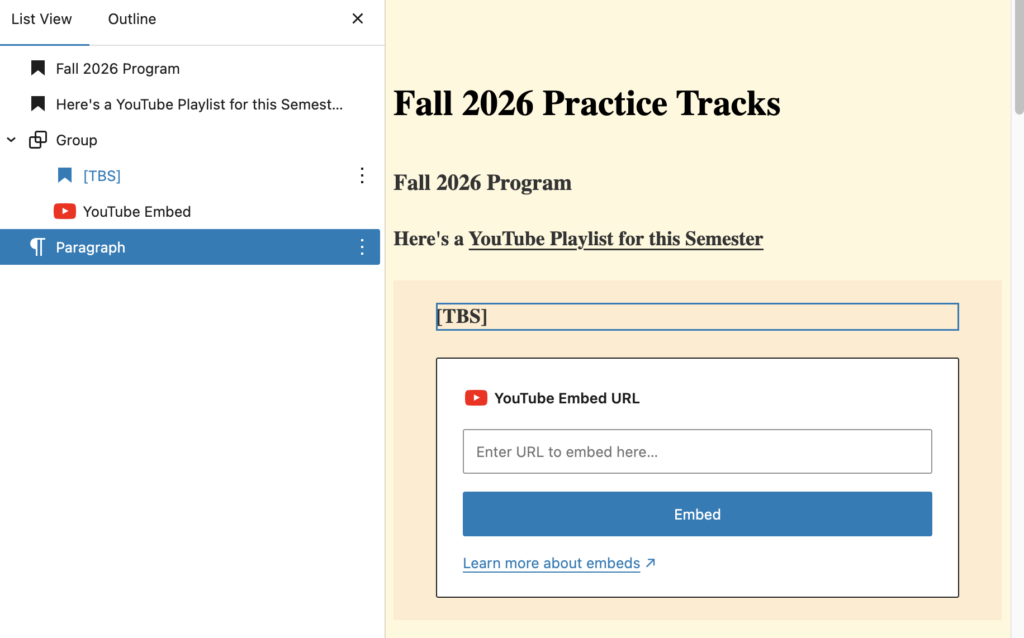
I also left in the link to the YouTube playlist. The link can be updated when we have a new playlist, or removed until we have one.
3) Now, you can save the page and publish it.
However, we have more to do. See the next section…