
What are you looking for?
Pointing to the new Practice Tracks page
Next, we fix up the content of the new page
First, link up the new Next Rehearsal page to the new Practice Tracks page
1) Go back and find the new Next Rehearsal page, and edit it
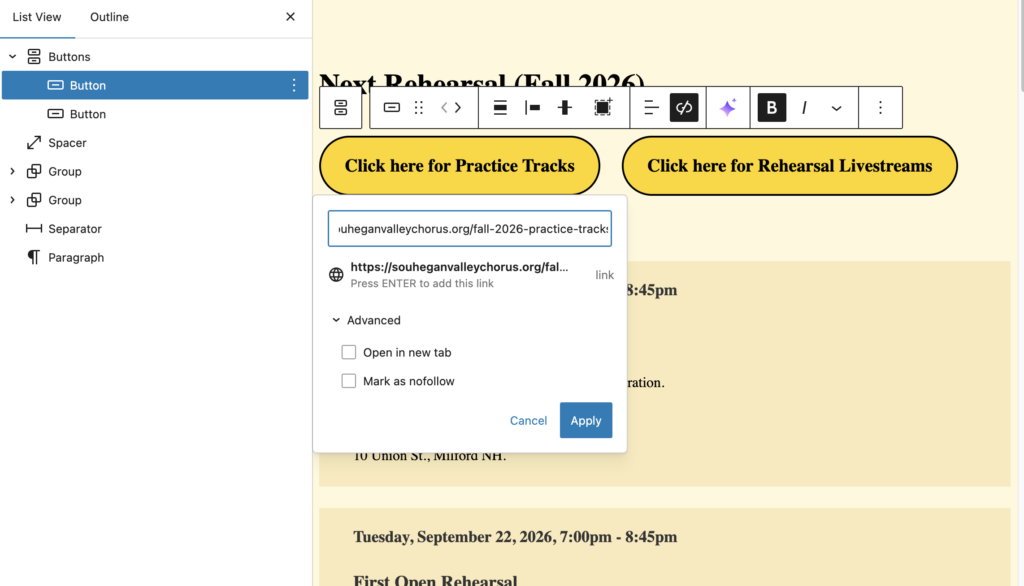
Click on the “Click here for Practice Tracks”, and edit the link to point to the new Practice Tracks page.
2) Save your page, and test that the button now links to the right Practice Tracks page
Next, link up the Member Section Menu to the new Practice Tracks page
1) Go to the Menus area, and select the Member Section Menu
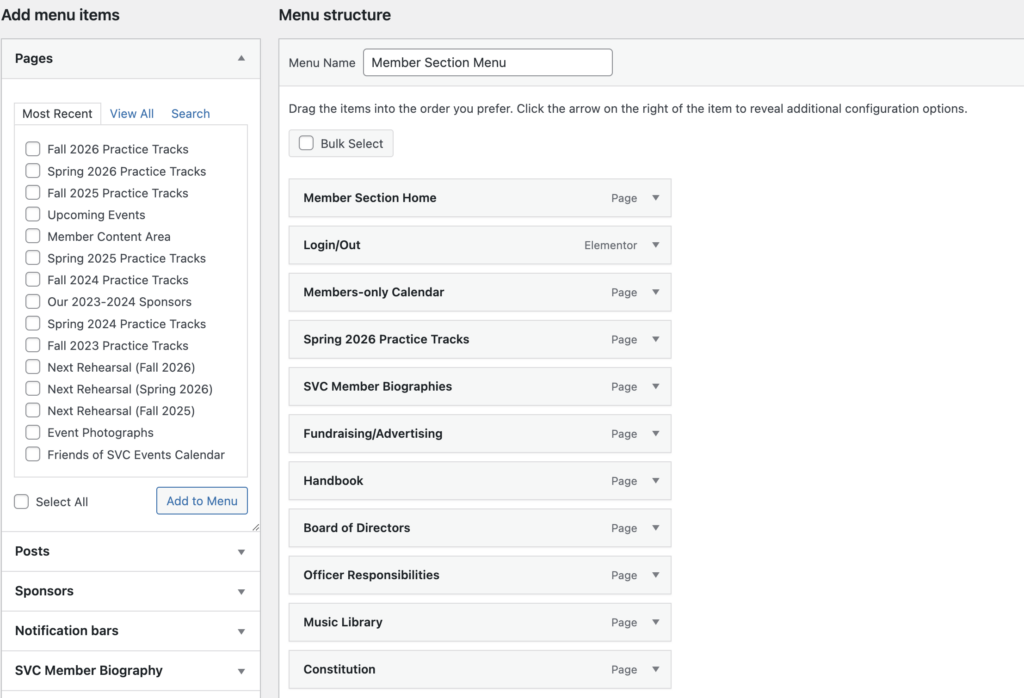
Replace the existing Practice Tracks menu item with the new Practice Tracks page item, and save the menu.
Then, from the main navigation menu on the website, go to Member Access, click to access the Member Content area, verify that the new Practice Tracks menu item is present, and that the link works.